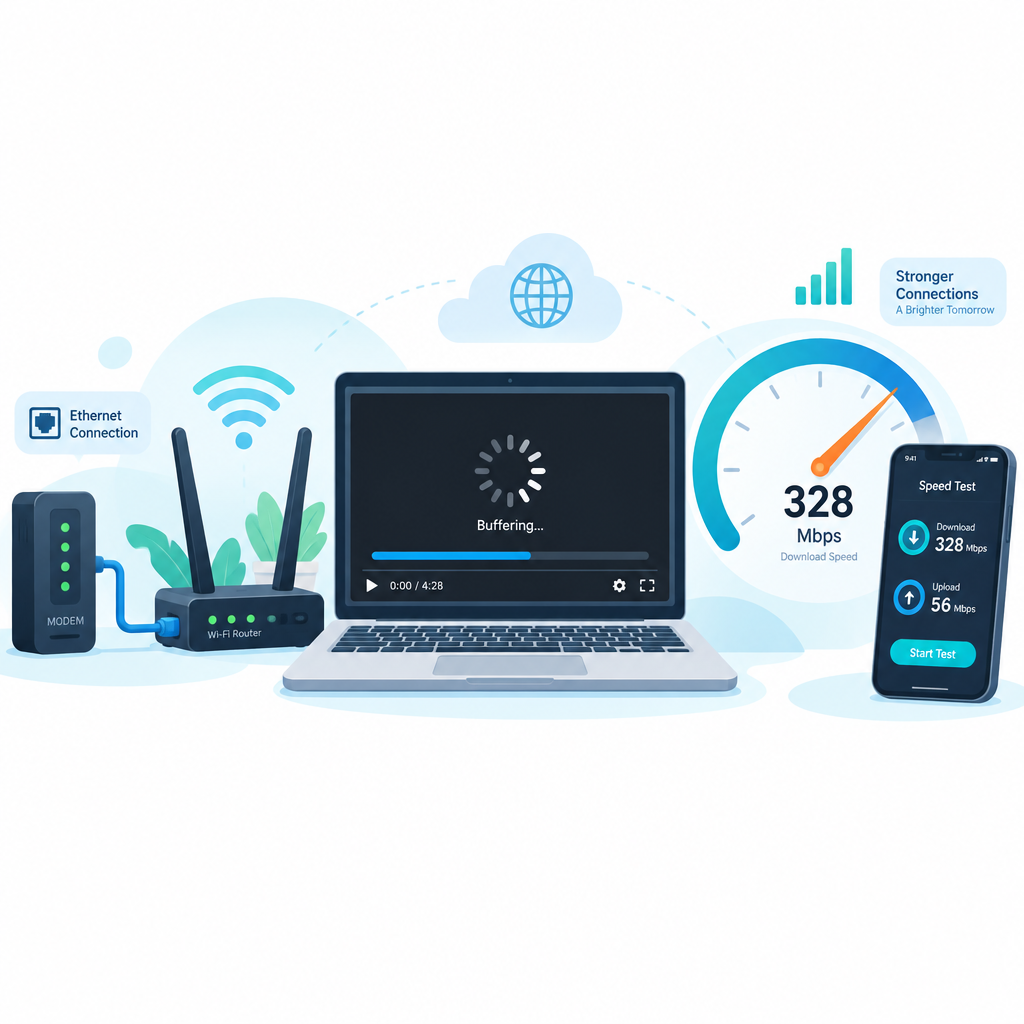
Understanding the Problem: What is Buffering?
When streaming a video, you may sometimes notice a frustrating pause, where the screen seems to freeze or slow down before resuming. This momentary halt is commonly referred to as buffering. Essentially, it means your internet connection is struggling to receive the large amount of information needed to keep the video playing smoothly.
Before you call your internet service provider for assistance, taking a few quick checks at home can be very helpful. Knowing whether the problem lies with your personal equipment—such as your router—or if it relates to the service plan you are subscribed to can save you valuable time on the phone.
It is also important to understand that a slow speed test on its own does not always point to a major problem. Sometimes, other household electronics running in the background or even your physical distance from the connection point can affect the results. However, running a test still provides an excellent baseline measurement to help guide troubleshooting.
Step One: How to Conduct a Basic Speed Test
Since physical checking often cannot resolve every slowdown, the next step is to run an actual speed test. To ensure you get an accurate measurement, it is wise to use multiple credible sources. Reliable testing websites, such as fast.com or Speedtest.net, will provide you with accurate measurements of your download and upload speeds. If your resulting download speed is higher than 25Mbit, you should have enough bandwidth to handle streaming video with ease.
For the most reliable results, we strongly recommend connecting your computer directly to your modem or router using an ethernet cable. Please understand that wireless signals, or Wi-Fi, can sometimes weaken the test results, making a wired connection a far superior option. Furthermore, schedule your test for a time when no other household members are using the internet. This ensures you are measuring the pure, available speed of your service, free from the demands of streaming, gaming, or working from home.
Step Two: Checking Your Home Equipment and Connections
When something feels wrong with your connection, the most effective starting point is always to restart your equipment. This simple act can resolve many temporary glitches. You must unplug both power supplies for your wireless equipment completely from the power outlet. After unplugging them, wait for at least ten seconds. This brief pause allows the internal systems of the devices to clear out and reset.
Once the time has elapsed, plug the modem power supply back into the power outlet first, then plug your wireless equipment back in. Wait 5 minutes then test again. If the slow speed problem continues, take a moment to examine all the physical cables. Ensure that every ethernet cable is securely plugged into its matching port. Loose or improperly seated cables are a remarkably common cause of slower than expected internet service.
Knowing When to Call the Experts
If you have completed all the restarting procedures, checked every visible cable, and the speed test results are still consistently slow or significantly lower than what you pay for, then it is time to contact your service provider.
When you speak with them, be prepared. Instead of simply stating that your internet is slow, tell them exactly what you have already done: mention that you restarted both the modem and router, confirmed all the physical cables were secure, and provide the specific numbers from your speed test. This detailed reporting shows professional preparation and allows the representative to diagnose the issue much more quickly over the phone.
Remember that home internet service is a complex system. While careful residential checks are very helpful, sometimes the required fix involves the outside lines or internal wiring that only a professional technician can access. Do not hesitate to ask them questions or request that they schedule a visit. The best preparation you can do is to gather your data and knowing when professional expertise is required.